Blog Franchise Growth · The Franchise Growth Playbook · Part 9
The franchise Google Business Profile playbook for 50+ locations
Access, consistent data, posts and photos, reviews and reporting: how to run Google Business Profiles across a franchise system, using Google's own rules.
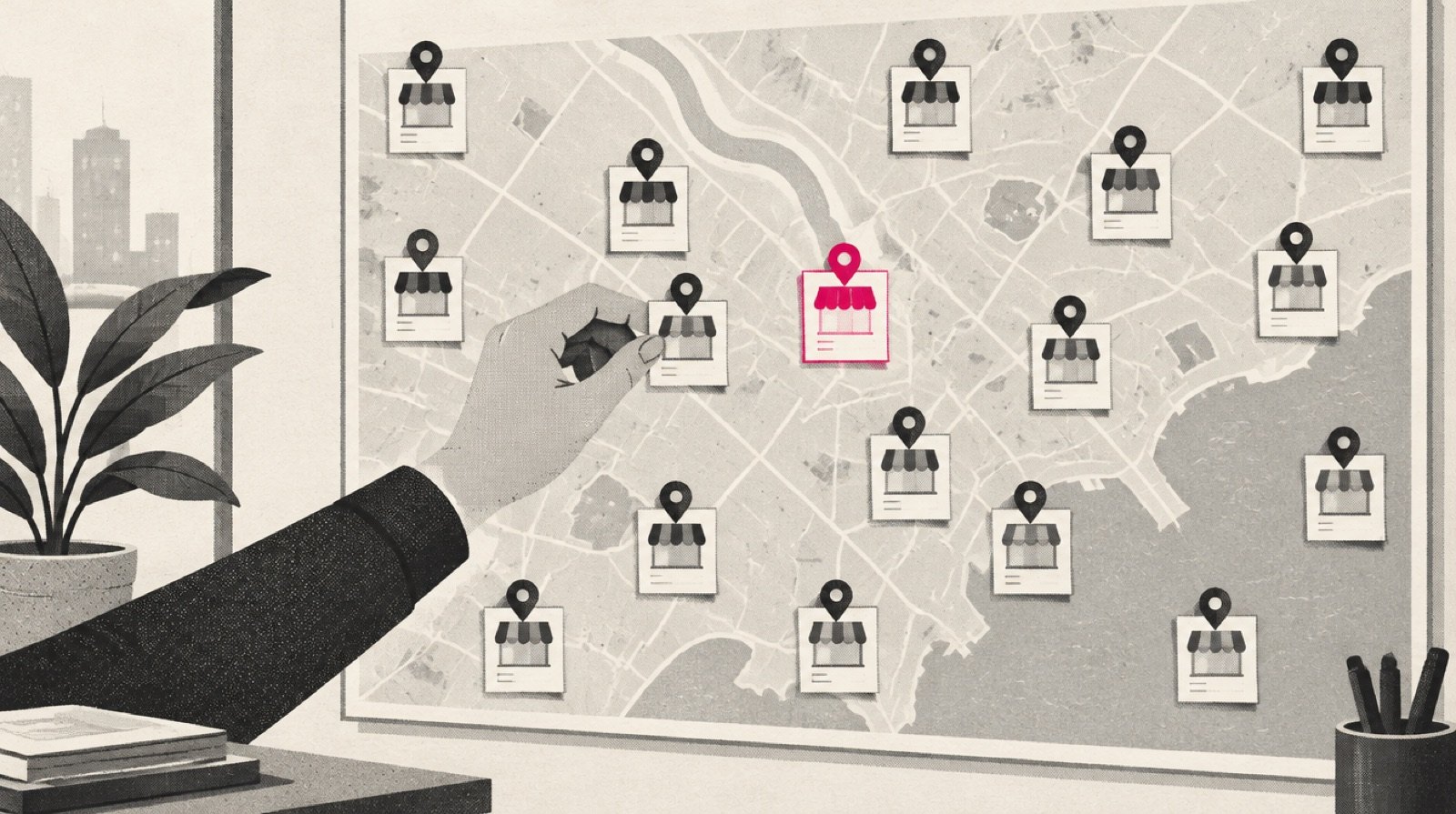
A franchise system with 60 locations does not have one Google presence. It has 60 of them, each with its own hours, phone number, booking link, photos and reviews, and each one edited by whoever had the login last. On a good day they agree with each other. On a holiday weekend, they usually do not.
That used to be a nuisance. Now it is the front door. Google's own help page on local ranking says results are based on relevance, distance and prominence, and that complete and accurate information makes a business more likely to show up. In November 2025 Google said AI Mode will "search across multiple reservation platforms and websites to find real-time availability" for local appointments, naming Booksy, Fresha and Vagaro as partners. We covered what that means in Google's AI Mode wants to book the appointment. This playbook is the franchisor's half: how to keep 50 or more profiles true at once. It covers the five jobs a franchise Google Business Profile program has to do: control who has access, keep every location's data consistent, post and add photos location by location, answer reviews at scale, and report on all of it.
Why the profile gets read first
Your website is one place a customer, or a customer's software, might look. The Business Profile is already open in front of Google. It holds the hours, the category, the phone, the booking links and the reviews, in a structure Google controls. When someone asks "is there a lash studio open near me on Sunday," the answer is assembled from that structure before any homepage is fetched. We made the broader case in your next customer won't visit your website.
For a single-location owner this is a chore. For a franchisor it is a data problem. One wrong holiday hour at one location is a lost visit. The same wrong hour copied across a region is a pattern that Google, and the customer, will remember.
Google does give multi-location brands real tools. They are spread across many help pages, so here are the limits worth knowing.
Source: Google Business Profile Help: bulk verification, local business links, special hours, and reviews pages, read October 2026
A few details from those pages matter more than they look:
- Bulk verification needs a spreadsheet with "10 or more profiles from the same business," and it must list every profile you manage. Service-area businesses are not eligible, and duplicate, suspended or disabled profiles do not count toward the ten.
- Store codes are the key that ties a spreadsheet row to a profile. Google warns that adding or changing a store code on an existing location "will create a duplicate location."
- Blank columns delete data. If your upload spreadsheet has a column heading with nothing under it, Google says "existing info for those columns will be deleted."
- Booking links are manual. Google's local business links page says these links "are not available via the Business Profile API or spreadsheet upload." Hours can go in a sheet. Booking links are set profile by profile.
- The new Gemini helper is not for you. Google's page on managing a profile with the Gemini web app says it is only for an owner or manager of one verified profile. A multi-location team still works in Business Profile Manager.
Who owns the profile: access across locations
Many franchise Business Profile problems start as access problems. Google's roles are simple once you see them side by side:
- Primary owner. A profile can have several owners "but only one primary owner." The primary owner cannot remove themselves until they transfer primary ownership to someone else.
- Owners. Full control: they can add and remove users, edit everything and delete the profile.
- Managers. Google says managers "have mostly the same access to the profile as owners." The exceptions: they cannot add or remove users or remove the profile. They can still edit hours, post, add photos, reply to reviews and download insights.
- No shared logins. Google says each user needs their own Google Account, and Google Groups cannot be added as owners or managers.
For a franchise system, that points to one rule: the brand holds the primary owner seat on every location, through a company account rather than a person's inbox. Franchisees and agencies get manager access to their own locations. When someone leaves, an owner removes them under Business Profile settings, People and access. Google notes that their past review replies and posts stay on the profile.
This is the part we watch most closely for the locations we manage. Our Hub keeps one record per location and shows, for each one, whether Business Profile access was never asked for, requested and waiting, lapsed, or revoked. Those are four different problems with four different fixes, and "we don't have access" hides all of them.
The playbook: one sheet, one owner, one rhythm
- Build one master sheet keyed by store code
One row per location: store code, legal location name, address, phone, primary category, regular hours, booking URL and who owns the profile. Pick store codes once and never change them. If you already keep a location record, as we do in the Hub, use its location ID as the store code so every tool points at the same row. We explained why in one record, every tool.
- Put every profile in a business group
Google's business groups work like shared folders. Owners and managers both "can create, edit, and delete profiles," and anyone added to a group can "access all current and future profiles placed in the group." Decide in writing who is the owner of each group, and add franchisees and agencies as managers. Never share a single login.
- Verify in bulk where you qualify
If you have ten or more physical locations of the same brand and no verified account yet, request chain verification in Business Profile Manager under Verifications. Uploading the sheet alone does not send the request. Note that agencies with more than one business in one account cannot bulk verify, so the request should come from the brand's own account.
- Set special hours a season ahead
Google recommends confirming hours for official holidays even when they match your regular hours. Special hours cover closures of up to six days in a row. For seven days or more, Google says to mark the location temporarily closed instead. Put the next quarter's holidays on one calendar and confirm them for every location at once.
- Point every booking link at the right location
Each profile's booking link should open that location's own schedule, not the brand homepage. If a profile has several links, set one as "Business preferred." Check for links added by third-party providers too: Google says providers must remove a link within 5 days of a removal request.
- Run reviews as a system, not a mood
Give every location its own review request link or QR code, and the same rule: Google prohibits offering anything in exchange for a review. Decide who replies at each location (the franchisee, the brand or the agency) and how fast. Write reply guidelines once: thank by first name, never confirm someone is a customer in a sensitive category, take complaints offline with a real contact. Google reviews each reply before it shows, which usually takes up to 10 minutes and sometimes up to 30 days.
- Audit monthly, from the sheet
Once a month, compare each live profile against the master sheet: hours, phone, category, booking URL, owner. Fix the profile, or fix the sheet, but never let them disagree.

Posts and photos, location by location
A profile with current posts and real photos tells a customer, and Google, that someone is home. In a franchise system it is also where brand control and local life meet. Google's tools handle more of this at scale than most teams know.
Posts. Google offers three types: updates, offers and events. You can schedule a post, set it to repeat weekly or monthly, and, in Google's words, "to post across multiple Business Profiles, select the profiles where you want to share it." So a brand-wide offer can go to every location in one pass. Then let each location add its own local post: a new trainer, a class time, a community event. Three details from Google's posts page matter here:
- Posts "older than 6 months are archived unless a date range is set."
- A post with a phone number in it "might get rejected" if the number cannot be verified as that business's number. Use the button and link instead.
- Google reviews every post. A post shows as Live, Pending or Not approved.
Photos. Google says that if your business has 10 or more locations, "you can bulk upload photos through spreadsheet." Use that for the brand set: logo, cover photo and standard interior shots. Then ask each location for real photos of its own storefront, staff and space. Google wants photos "in focus and well lit" with no heavy filters, recommends 720 by 720 pixels, and says new photos can take 24 to 48 hours to appear. Photos and videos show only on verified profiles, which is one more reason to fix verification first.
Where franchise systems go wrong
The common failure is shared ownership with no single owner. A franchisee edits hours in the app, an agency uploads a spreadsheet, the brand team changes the category, and nobody knows which version is current.
Profiles by whoever logs in
Each location edits its own profile when it remembers. Logins are shared. Holiday hours are set the day before, if at all. Booking links point at the brand homepage. Nobody can say how many profiles are verified.
Profiles run from one record
One sheet keyed by store code is the source. Business groups carry named owners and managers. Holidays are confirmed a quarter ahead. Every booking link opens that location's schedule. A monthly audit shows the gaps.
The profile is already open in front of Google. Your homepage is one place it might look next.
The arithmetic shows why this needs a system. Say a 60-location system recognizes 8 official holidays a year. That is 480 holiday hour confirmations, before any snow day or remodel. Say each location also needs one booking link checked each month. That is 720 checks a year, and Google says booking links cannot be set through a spreadsheet or the API. Neither number is large for a team with a calendar. Both are impossible for a team without one.
Reporting across every location
You do not need a reporting tool to start. Google lets you pull every location's numbers into one spreadsheet. In Business Profile Manager, tick the profiles you want, select Actions, then Insights, pick a time frame and download the report. Google says this lets you "compare the performance of different locations."
What the download holds, and what to watch for:
- Views, searches, calls, website clicks, directions, messages and bookings, where they apply. Only metrics that fit your business appear.
- Ads are mixed in. Google says performance data "includes views, searches, and actions from both organic search results and Google Ads." Do not credit the profile alone for a month when ad spend went up.
- Searches lag. The searches metric updates at the start of each month and "might take up to 5 days to show up."
- Unverified profiles show nothing. Performance data is available only for verified profiles, and a profile not enabled for download can show "***" in its columns.
Compare locations against their own past months and against similar locations, not against the system average. We wrote about why in reporting a franchise system honestly.
Alongside Google's numbers, track four health rates for every location and review them in your franchise marketing meeting:
- Verified share: profiles verified, divided by locations open.
- Holiday readiness: locations with special hours confirmed for the next holiday, divided by locations open, checked one week before.
- Booking link accuracy: profiles whose preferred booking link opens that location's own schedule.
- Reply coverage: reviews in the last 30 days with a reply, divided by all reviews in the last 30 days.
Track these as rates, not counts, so a 20-location region and a 200-location system can be compared on the same scale. Start where you are. The first audit will be uncomfortable, and that is the point of running it.
Google is not the only assistant reading location records now. ChatGPT launched business profiles in November, and the same rule applies there: one owner and one set of facts per location. We covered how to claim them in ChatGPT business profile: how to claim and manage yours, and Google's next step in Google is building a home base for your Business Profile. If your website is the next place an agent looks, make sure it says the same thing as the profile. Agent Ready scores a site on whether an AI agent can read and act on it.
For the full review routine across locations, see Google reviews at franchise scale.
Sources
- Google Business Profile Help, "Verify Business Profiles in bulk," https://support.google.com/business/answer/4490296?hl=en, read October 10, 2026.
- Google Business Profile Help, "Create a bulk upload spreadsheet for Business Profiles," https://support.google.com/business/answer/3370250?hl=en, read October 10, 2026.
- Google Business Profile Help, "Add & manage Business Profile store codes for bulk uploads," https://support.google.com/business/answer/4542487?hl=en, read October 10, 2026.
- Google Business Profile Help, "Create & manage business groups," https://support.google.com/business/answer/6085339?hl=en, read October 10, 2026.
- Google Business Profile Help, "Manage your local business links," https://support.google.com/business/answer/6218037?hl=en, read October 10, 2026.
- Google Business Profile Help, "How to set Special hours," https://support.google.com/business/answer/6303076?hl=en, read October 10, 2026.
- Google Business Profile Help, "Manage customer reviews," https://support.google.com/business/answer/3474050?hl=en, and "Tips to get more reviews," https://support.google.com/business/answer/3474122?hl=en, read October 10, 2026.
- Google Business Profile Help, "Tips to improve your local ranking on Google," https://support.google.com/business/answer/7091?hl=en, read October 10, 2026.
- Google Business Profile Help, "Manage your Business Profile on Google with the Gemini web app," https://support.google.com/business/answer/17142585?hl=en, read October 10, 2026.
- Google Business Profile Help, "Manage your Business Profile owners & managers," https://support.google.com/business/answer/3403100?hl=en, read November 25, 2026.
- Google Business Profile Help, "Create & manage posts on your Business Profile," https://support.google.com/business/answer/7342169?hl=en, read November 25, 2026.
- Google Business Profile Help, "Manage your Business Profile photos & videos," https://support.google.com/business/answer/6103862?hl=en, read November 25, 2026.
- Google Business Profile Help, "Understand your Business Profile performance & insights," https://support.google.com/business/answer/9918094?hl=en, read November 25, 2026.
- Google, Julie Farago, "New ways to plan travel with AI in Search," https://blog.google/products-and-platforms/products/search/agentic-plans-booking-travel-canvas-ai-mode/, November 17, 2025.