Blog Playbooks · What You Missed: Nov 9 to 15, 2026 · Part 2
Google is changing the buttons on your listing, and nobody asked you
Book Online buttons are showing up on Business Profiles that never set one up, and Google is testing a local AI answer with no call or directions buttons at all. Neither is announced. Here is what to check this week.
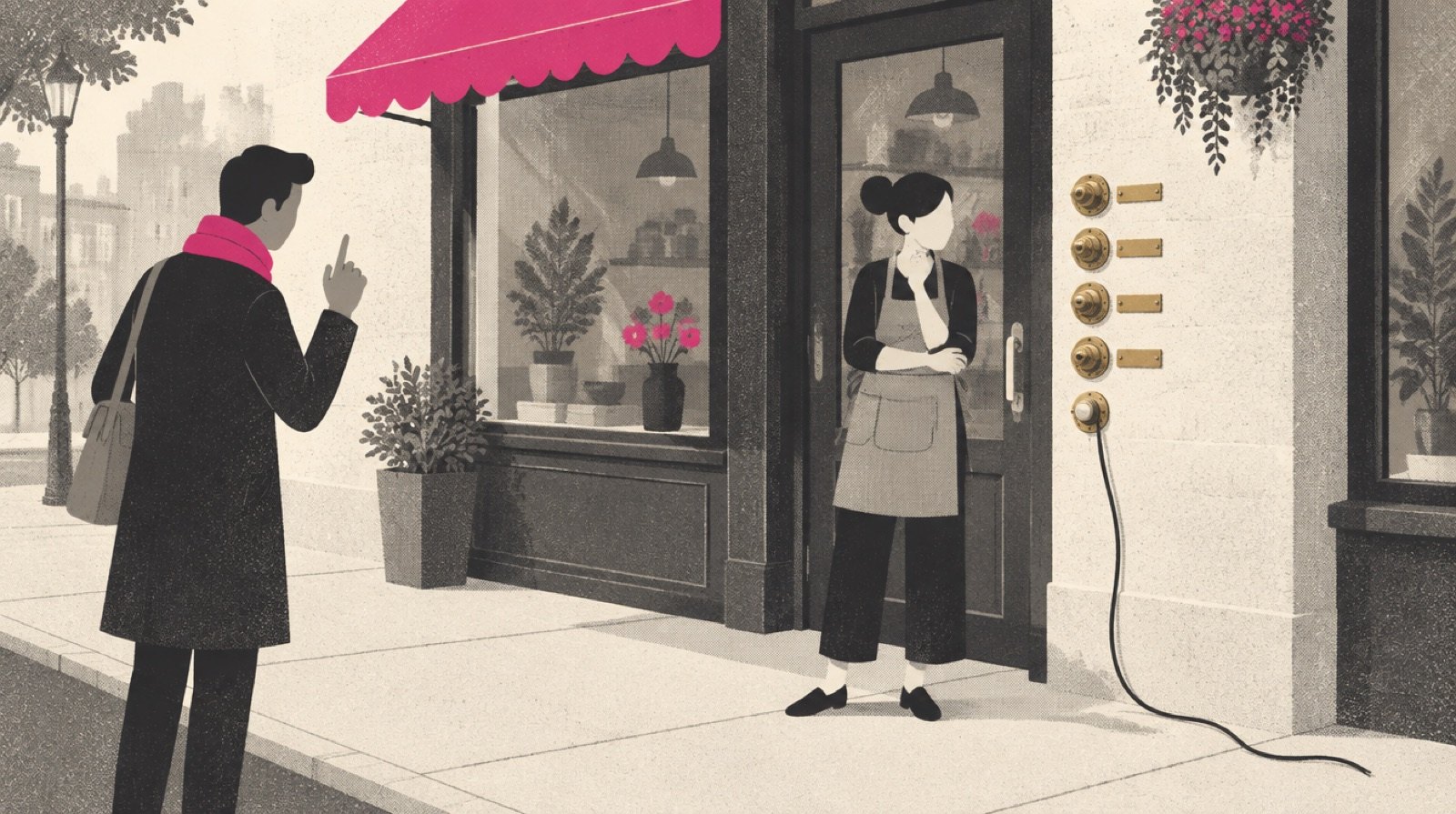
When a customer finds you on Google and is ready to act, a few buttons sit between them and you: call, directions, website, maybe book. This week, two reports showed Google moving those buttons around, and most owners will not notice until a customer complains.
What happened
Search Engine Roundtable reported both stories. Neither is an announced launch: one is being seen in the wild, and the other is a test.
Booking buttons nobody set up. On November 9, Barry Schwartz of Search Engine Roundtable reported that Google may be adding booking links to some Business Profiles on its own. He saw a booking link appear on his own company's profile in Google Search and Google Maps. Others who work in local search reported the same thing:
- Syed Amir said that "simply adding a website's Contact page in the Booking Link section is now triggering the 'Book Online' button."
- Brandon Schmidt spotted one "for a home care business that does not have a special software installed & configured with GBP."
- Joy Hawkins wrote that the profiles she saw "do not use a software, it's going to their contact form."
Where the button goes varies. Schwartz's went to his company's contact and scheduling page. Some went to a contact form. And as Schwartz wrote, "in some cases, the booking links break and go to a 500 error on Google's website." A 500 error is a broken page. He was not sure whether the failures were "a temporary bug." Google had not commented in the report.
A local AI answer with no buttons. On November 10, Search Engine Roundtable reported that Google is "testing removing the action buttons, reviews, photos," and other elements "from the AI Overview version of the local pack." The local pack is the short list of nearby businesses with a map that shows up when someone searches for a type of business. The AI Overview version adds an AI-written summary on top.
Joy Hawkins spotted it on X: "I'm seeing a new version of the AI powered local pack in the last few days." She also said reviews, address and hours were missing, and that "On mobile, every time I get this version, the traditional local pack is gone." Schwartz said he could replicate it and called it a test. Google had not commented.
Source: Search Engine Roundtable, Nov 9; Search Engine Roundtable, Nov 10; Google Business Profile Help
What it means for your business
You may not know which buttons your listing shows right now.
Take the booking button first. If you run a salon and your profile now says Book Online, a customer will expect to pick a time. If that button opens a general contact form, some will fill it out and wait. Some will leave. If it opens a Google error page, most of them will leave, and you will never see it in any report. A plumber who has never taken online bookings might now look like one who does.
The AI local pack test is the opposite problem. In the version Joy Hawkins described, the searcher reads an AI summary of nearby businesses but has no call button, no directions button and no website button to tap from that spot. That makes it harder to reach you from the search itself. It is a test and may disappear. Search Engine Roundtable noted that these local AI Overviews "keep changing."
You do not fully control what your listing shows anymore, so check it the way a customer would, and more often than you used to. Last week we covered a related shift, with more of the decision happening on Google: Google's AI can now book the plumber before anyone visits your website.
If the button says Book Online, the customer expects to book. Make sure that is what happens when they tap it.
What a customer might see this week
A Book Online button you never set up, opening a contact form or a Google error page. An AI summary of local businesses with no call, directions or website button.
What you want them to see
A booking button that opens your real booking page, or no booking button if you do not take bookings. A phone number and website that work, and calls and forms answered fast.
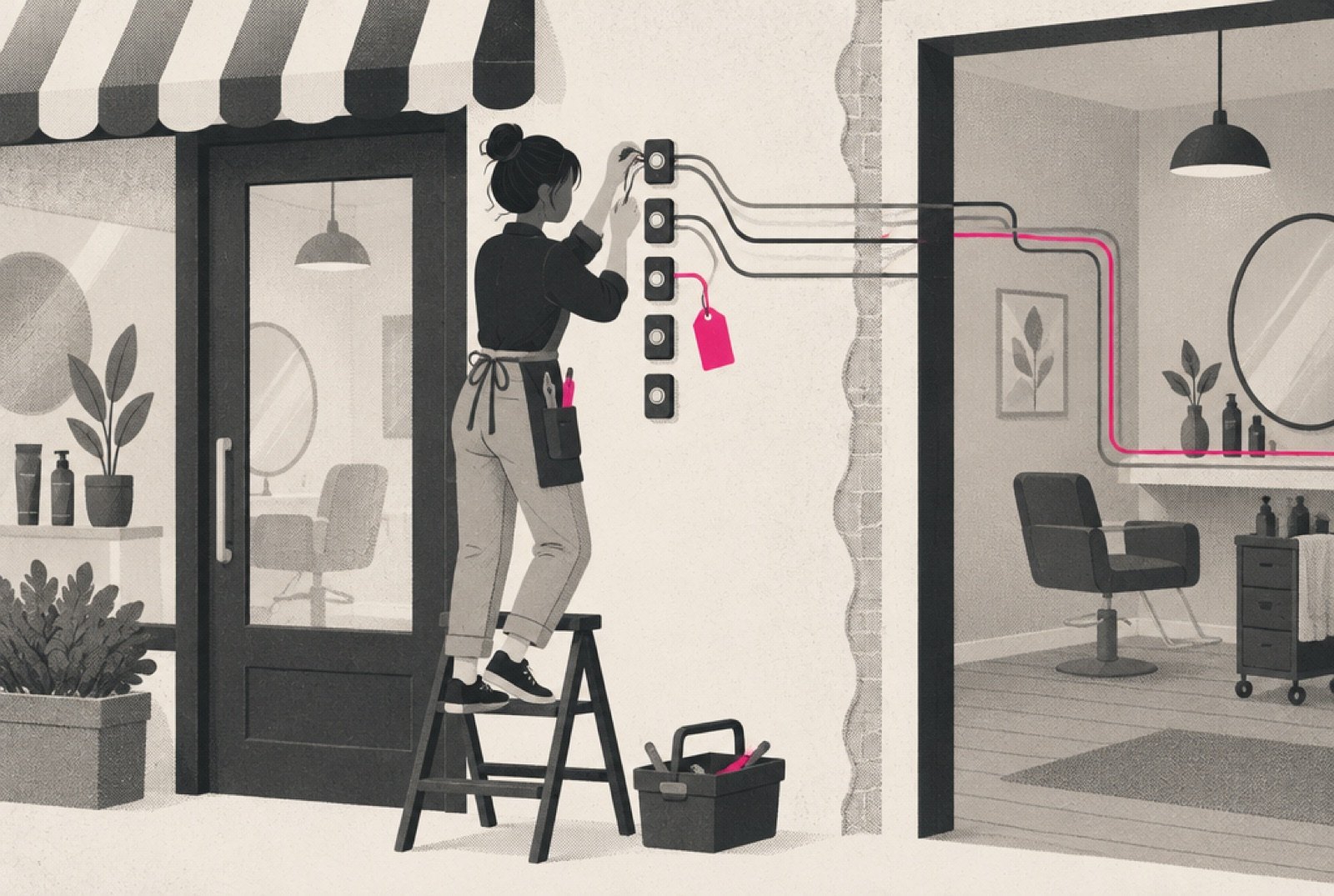
What to do this week
- Search your own business on your phone
Search your business name in Google and in Google Maps. Look at every button on your listing. Then search your type of business plus your town.
- Tap every button
Call, directions, website, and any booking button. Does each one go where it should? Write down anything that opens a form, the wrong page or an error.
- Point the booking link at your real booking page
If you take bookings, open your Business Profile, choose Booking, and add the link to the page where people actually pick a time. Google's help page says you can add up to 10 links and set a preferred one.
- Deal with links you did not add
Google's help page says you cannot delete a third-party booking provider from your profile settings. You contact the provider, which has 5 business days to process the opt-out. If the link is still there after that, Google says to report it.
- Work every call and form fast
Fewer buttons may mean fewer contacts, so each one matters more. Make sure someone answers calls and replies to forms the same day.
This is part of What You Missed, our weekly read on the marketing news that matters to business owners. See the full week: /blog/what-you-missed-week-of-november-9-2026
Sources
- Search Engine Roundtable, "Google Adding Booking Links To Business Profiles Automatically?," Barry Schwartz, November 9, 2026. seroundtable.com
- Search Engine Roundtable, "Google AI Overview Local Pack Dropping Action Buttons, Photos & Reviews," Barry Schwartz, November 10, 2026. seroundtable.com
- Google Business Profile Help, "Manage your local business links," accessed November 15, 2026. support.google.com